
Uncategorized
Mac to NAS File Transfers: How to Avoid Corruption and Slow Speeds
Moving your Apple Photos library or offloading large videos from Mac to a Network Attached Storage (NAS) device is a good space management or backup strategy. But what if you encounter issues like snail-paced transfers, file corruption, and permissions errors? Here is a guide to common problems when writing from a Mac to a NAS…
Read MoreAPFS or EXFAT? The Right SSD / HDD Format for Your Apple Photos Library
When exporting photos and videos from the Apple Photos library, try to use an external drive formatted as APFS or Mac OS Extended (Journaled). As far as possible, avoid using FAT32 or ExFAT format. It’s not that you can’t use FAT formats, but you must know the inherent limitations of these file systems. It’s also…
Read MoreiCloud Storage is Full of Photos? Here’s the Fix.
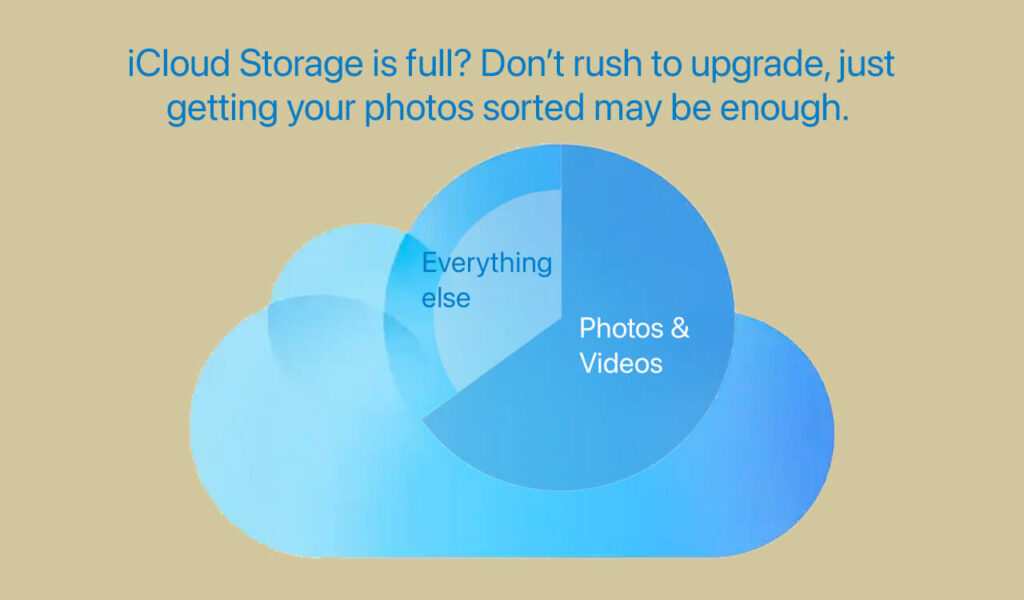
Does that pesky “iCloud Storage is Full” message pop up every time you use your Mac or iPhone? Don’t panic and upgrade to a more expensive iCloud plan. It’s easy to free up iCloud storage. First see what’s filling up your existing storage quota. Like this: On iPhone or iPad: Go to Settings > iCloud…
Read MoreHow to download iCloud photos: No 1000 photos limit)

So you want to download iCloud photos for an offline backup? All 40,000 of them? Apple makes it sound easy: Go to iCloud.com and log in with your Apple ID.Once you’re logged in, you can select the photos or videos you want to download and choose the download option. Apple conveniently omits to tell you…
Read MoreFind Photos That Aren’t In Any Album on iPhone/iPad

On iOS devices, i.e. iPhone and iPad, you can now find photos that are not in any album. This is useful when you are organizing and managing photos. It lets you decide whether to add them to existing or new albums, and which you might want to delete. In Photos on Mac, you can use…
Read MorePhotos Takeout for Mac – Troubleshooting Exports
Please follow these guidelines when exporting Mac Photos library with Photos Takeout. Ignoring any of these may lead to incomplete exports: Select the correct Photos library Ensure that the Source Library for Photos Takeout is the same as Mac Photos’ current System Library. No worries if you only have one Photos library, but if you…
Read MoreHow to Export Albums from Mac or iCloud Photos
Almost all Mac users use Apple’s native Photos app to manage photos and videos and organize them in albums. However, Photos doesn’t offer a way to export albums. There is no option to extract multiple albums at once, and if your albums are nested in folders, this organization is not preserved upon export. What You…
Read MoreShared Albums in Photos on Mac – A Short Guide
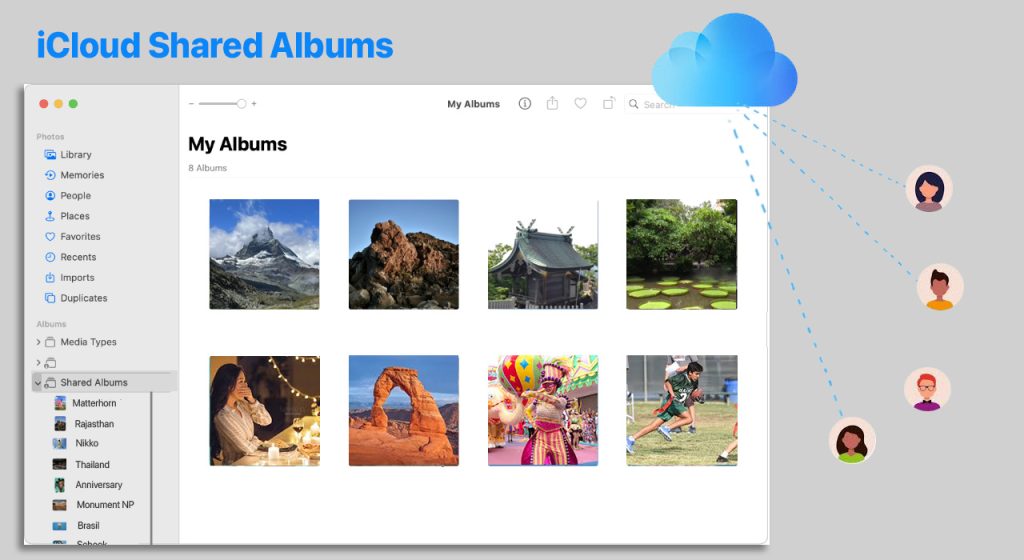
Shared Albums are an easy way to share photos and videos with family and friends. You can create these from your Mac, iPhone or iPad. You and your invitee participants can add photos and videos to these albums – and also comment on them. A Shared Album is different from a Shared Library. This article…
Read More